Sending Reminders for Transaction Requests
You can send a reminder to the company for any transaction requests that have not been responded to. This reminder sends a notification to all active supervisory activity participants for the company.
About this task
Procedure
-
Navigate to your supervisory activity.

- Click Transaction Requests.
-
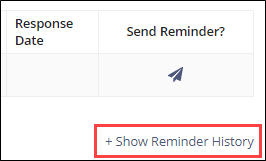
Click the Send Reminder icon for any item in the "Sent
to Company" status.

-
Click Send Reminder on the confirmation screen.
The system records the date and time the reminder was sent. Click +Show Reminder History to see it.