
Accepting or Rejecting a Third Party User Request on a Supervisory Activity
How the EIC or Team Lead on a multi-state supervisory activity (SA) reviews a company's request to add a third party user to an SA in SES.
About this task
Note: A notification is
sent to the EIC and Team Leads on a multi-state SA when the company requests to add a third
party user to an SA.
Procedure
-
Navigate to your supervisory activity.
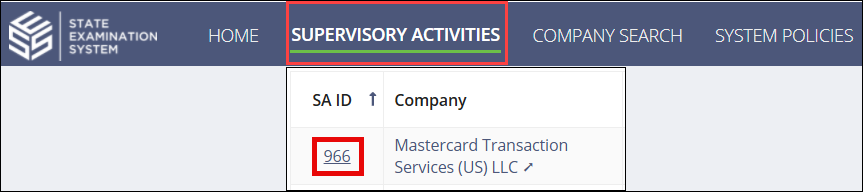
-
Click Participants.

- Click the View Details icon in the Third Party User Requests section.
- Click the Review Request button in the top-right corner of the Third Party User Requests section.
-
Review the third party user information, including their confidentiality agreements,
and choose whether to either accept or reject the request.
- Optional: Select Accept Request and click Accept Request.
- Optional: Select Reject Request, provide a comment as to why the request is being rejected and click Reject Request.