
Using Review Mode to Add Comments to Loan Requests
Learn how to use the Review Mode toggle to easily add comments to loan requests for a supervisory activity.
About this task
Procedure
-
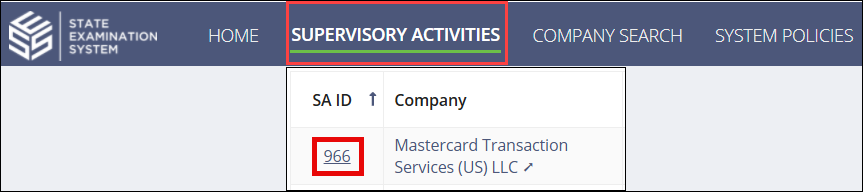
Navigate to your supervisory activity.
-
Click .
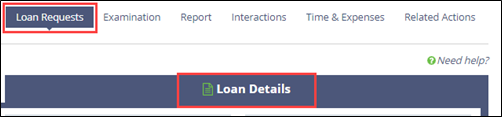
Note: Use Review Mode to limit the number of columns that are displayed. This mode can help you identify loan requests that have findings, violations, or work paper notes associated with them.
-
Click the Manage Review Information (
 )
button in the last column of the grid to enter comments.
)
button in the last column of the grid to enter comments.
- Enter your review comments.
- Select who should see the loan request review information (just you or participants from your agency).
- Select if you want the review comments to be highlighted in the Loan Request Details grid.
- Optional: Select the highlight color.
- Click Save Loan Request Review.