
Viewing MSB OCOE Exams
How to access and filter the OCOE scheduling feature for mortgage businesses.
About this task
Procedure
-
Click Exam Scheduling.
Figure 1. SES home page commands available to staff users and staff directors  1
1
-
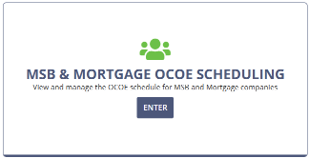
Enter the MSB & Mortgage OCOE Scheduling
workspace.
-
Select MSB.
The page changes to MSB OCOE Scheduling.
-
Select the year you want to review.
The grid refreshes to show the OCOE scheduling items for that year.
- Review the scheduling grid. Use the company name and NMLS ID to identify the company, and review the available previous exam, target start, agency participation, and resulting examination information.
- To narrow the list, enter an NMLS ID or company name in the search field and select Search.
- To use additional criteria, select Show Filters.
- Enter or select the applicable filter values, then select Search. Use Reset when you want to clear the selected filter criteria and return to a broader list.
-
To review additional information for an OCOE scheduling item, select the
View Details icon for the row.
Note: The companies displayed in OCOE Scheduling are selected for the multistate scheduling process. Not every company on the list will necessarily be licensed by your agency.
1 Note that Manage Complaints is only available to users
with Complaints Access permission in their user profiles. See Updating Agency User Roles