
Accessing Research & Analytics for MSB OCOE Exams
How to access MSB Scheduling Research & Analytics via the OCOE scheduling feature in SES.
About this task
Procedure
-
Click Exam Scheduling.
Figure 1. SES home page commands available to staff users and staff directors  1
1
-
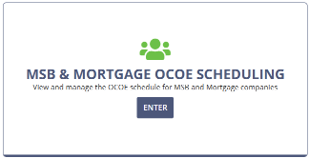
Enter the MSB & Mortgage OCOE Scheduling
workspace.
-
Select MSB.
The page changes to MSB OCOE Scheduling.
-
4. Select Access MSB Scheduling (Research & Analytics) near
the top of the OCOE Scheduling page.
Note: If you have questions about your Research & Analytics access, please see the secure NMLS / SES Portal.2 and contact the Regulatory User Group (RUG).
1 Note that Manage Complaints is only available to users
with Complaints Access permission in their user profiles. See Updating Agency User Roles
2 Agency user login account
required for access.