
Updating Previous Exam Information for MSB OCOE Exams
How to update previous exam information for MSB OCOE exams in SES.
About this task
Previous exam information records the most recent examination information associated with the company. When the previous examination was conducted in SES and the information is available to the system, SES can display information from that examination. When the previous examination was conducted outside SES, users can maintain the applicable information manually.
Procedure
-
Click Exam Scheduling.
Figure 1. SES home page commands available to staff users and staff directors  1
1
-
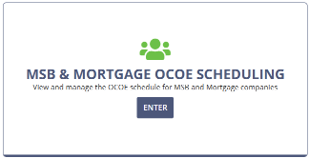
Enter the MSB & Mortgage OCOE Scheduling
workspace.
-
Select MSB.
The page changes to MSB OCOE Scheduling.
- Locate the company for which you want to set your agency's intended participation.
-
Select .
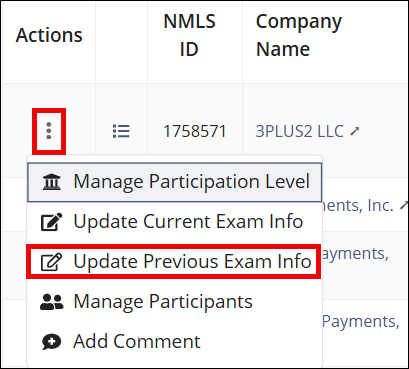
- Make the desired updates.
- Select Update Previous Exam Info to save the changes.
1 Note that Manage Complaints is only available to users
with Complaints Access permission in their user profiles. See Updating Agency User Roles