
Bulk Review Findings as EIC
You must be signed in as the Examiner in Charge (EIC) to bulk mark findings as reviewed.
Procedure
-
Navigate to your supervisory activity.
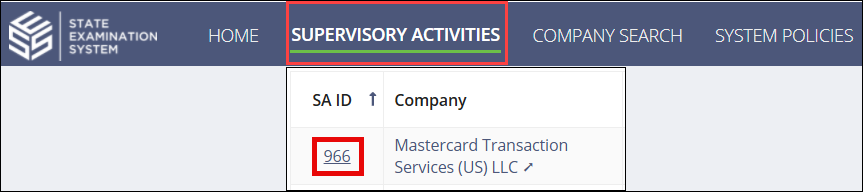
-
Click Examination.

-
Select Bulk Review Findings from the actions menu in the
top-right corner of the page.
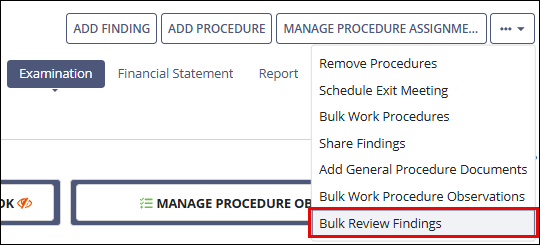
- Select the desired findings to mark as reviewed.
- Click the Mark Findings as Reviewed button.