
Marking Your Favorite Information Requests
How to mark the information requests you are interested in on a supervisory activity in SES.
About this task
The items you favorite are only visible to you and are not able to be seen or used as a filter by other participants on the supervisory activity.
Procedure
-
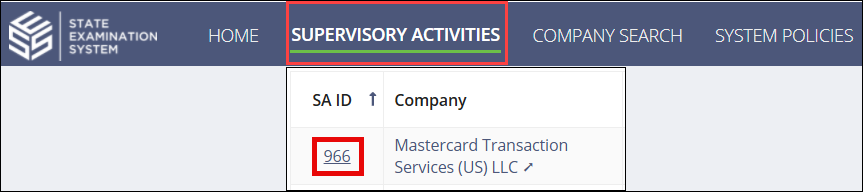
Navigate to your supervisory activity.
-
Click Information
Requests.

- Click the IR Details tab.
-
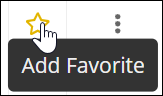
Select the Add Favorite icon for the desired
request.
 You can now filter the list of requests by your favorites by selecting the My Favorites quick filter.