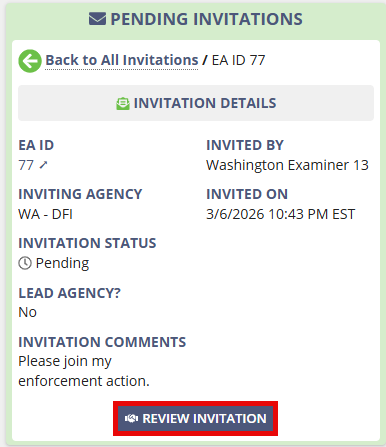
Inviting Agencies to Join a Multi-state Enforcement Action
Invite other agencies to join an enforcement action so they can participate in a multi-state enforcement action in SES.
About this task
Enforcement action supervisors can invite other agencies to join an enforcement action in SES. Invited agencies can participate in the enforcement action as lead or participating agencies.
You can invite only agencies that have at least one user assigned the Enforcement Supervisor role in SES.
Procedure
-
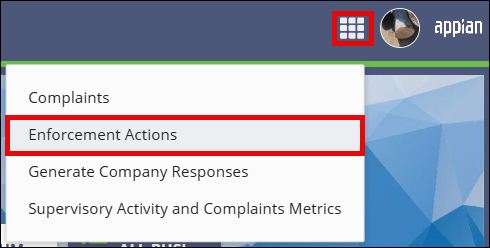
Access the Enforcement Actions area of SES.

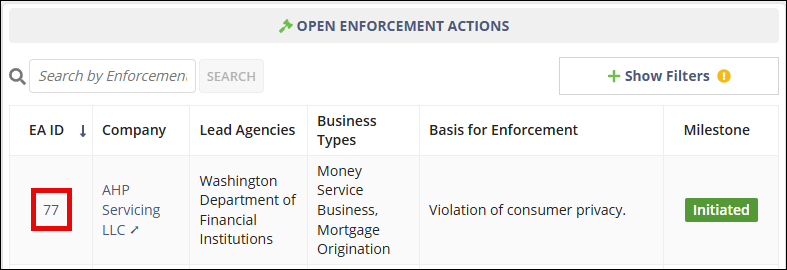
- On the Enforcement Actions homepage, locate the enforcement action in the Open Enforcement Actions section.
-
Select the EA ID link for the enforcement action you want to open.
-
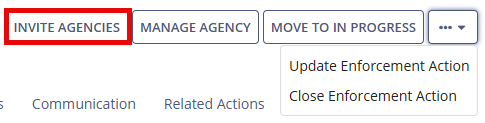
Select Invite Agencies.
- Search for and select the agencies you want to invite.
- Select whether each invited agency will be a Lead or Participating agency.
- Optional: Enter comments for the invited agencies.
- Select Invite Agencies.
Results
A notification is sent to the invited agency, and the invitation appears in the Pending Invitations section of the Enforcement Actions homepage.