
Closing a Multi-state SA Early on Behalf of Participating Agencies
How the examiner in charge (EIC) can close a multi-state supervisory activity (SA) on behalf of participating agencies.
Before you begin
About this task
Important: Once the SA is locked, the company can
respond to matters requiring attention, but changes to the supervisory activity
cannot be made.
Note: Only staff users from the lead agency assigned as a
participant on the SA can close and lock an SA. The close out information must be
completed and the report response from the company must be marked complete by the
EIC to be able to close and lock an SA.
For a multi-state SA, the Team Lead from each participating agency must confirm that the exam is ready to be closed.
Procedure
-
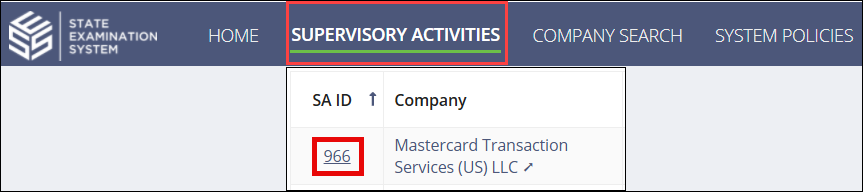
Navigate to your supervisory activity.
-
Click Related Actions.

-
Click Close and Lock Early.

-
Click Mark as Ready to Be Closed for the desired participating
agency.

- Select "Yes" for Do you want to indicate that [agency] is ready to close this supervisoryu activity?.
- Add any comments and indicate Next Exam Due By dates.
-
Click Mark as Closed.
The staff director, staff user, and participants from the agency selected are notified that the EIC closed the SA on their behalf.