
Closing and Locking a Supervisory Activity Early
How to close and lock a supervisory activity at any time.
About this task
Procedure
-
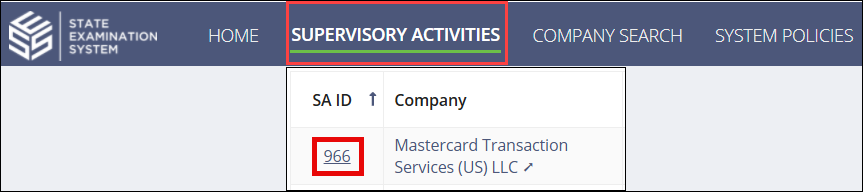
Navigate to your supervisory activity.
-
Click Related Actions.
-
Click Close and Lock Early.

- Enter an Early Closure Comment.
- Select whether you would like to upload a Report of Examination and optionally send it to the company.
- Select whether you would like to optionally enter any close out information.
- Select whether you would like to suspend document retention for the SA.
- Enter any comments or upload any relevant documents.
-
Click Close and Lock Early.
Note: An email notification of record closure is sent to the company. Once the supervisory activity is locked, the company can respond to the MRAs, but changes to the supervisory activity cannot be made.