
Setting Participation Level for Mortgage OCOE Exams
How to set your agency's participation level for mortgage OCOE exams in SES.
Before you begin
Note: If a Policy User has
finalized the lead agency, agency users cannot overwrite that finalized lead
selection.
About this task
Procedure
-
Click Exam Scheduling.
Figure 1. SES home page commands available to staff users and staff directors  1
1
-
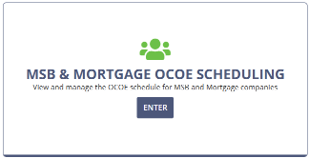
Enter the MSB & Mortgage OCOE Scheduling
workspace.
-
Select Mortgage.
The page changes to Mortgage OCOE Scheduling.
- Locate the company for which you want to set your agency's intended participation.
-
Select .
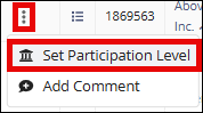
- Review the Current Intended Participation information shown in the window.
- Under My agency intends to, select the participation option or options that apply to your agency.
- Select Update Participation.
1 Note that Manage Complaints is only available to users
with Complaints Access permission in their user profiles. See Updating Agency User Roles