
Accessing Research & Analytics for Mortgage OCOE Exams
How to access Mortgage Scheduling Research & Analytics via the OCOE scheduling feature in SES.
About this task
See the Research and Analytics topic for more information about Strategy and SES.
Research & Analytics content is connected to Strategy, the business intelligence and reporting application used to create, manage, and distribute reports and dashboards. The information available to you depends on your Strategy permissions.
Procedure
-
Click Exam Scheduling.
Figure 1. SES home page commands available to staff users and staff directors  1
1
-
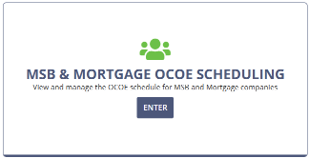
Enter the MSB & Mortgage OCOE Scheduling
workspace.
-
Select Mortgage.
The page changes to Mortgage OCOE Scheduling.
-
4. Select Access Mortgage Scheduling (Research & Analytics)
near the top of the OCOE Scheduling page.
Note: If you have questions about your Research & Analytics access, please see the secure NMLS / SES Portal.2 and contact the Regulatory User Group (RUG).
1 Note that Manage Complaints is only available to users
with Complaints Access permission in their user profiles. See Updating Agency User Roles
2 Agency user login account
required for access.