
Undo Cancellation of Supervisory Activity Requests
How to undo the cancellation of the different request types available on a supervisory activity: loan requests, information requests, transaction requests, or agent location requests.
About this task
Procedure
-
Navigate to your supervisory activity.
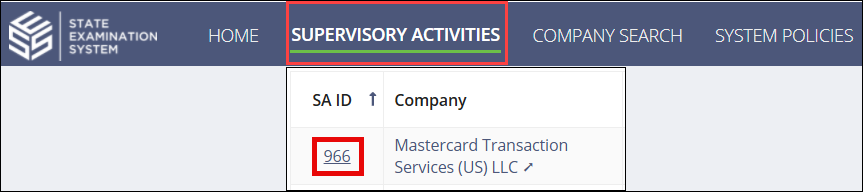
- Access the relevant page for the request you want to cancel (e.g., Loan Requests,Information Requests, Transaction Requests, or Agent Location Requests).
- Click the Details tab for the relevant request type.
- Optional:
Select the Show Filters button to filter the list of requests by .

-
Select the Actions ellipsis for the desired request.
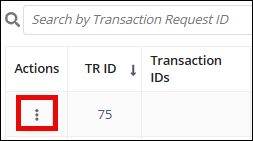
- Select Undo Cancellation of Request.
Results
- Notifications are sent to impacted agency and company users.
- If the canceled request was sent to the company and the company had not yet responded, it moves to a "Sent to Company" status for agencies and a "Not Started" status for companies.
- If the canceled request was sent to the company and the company had already started responding to the request, it moves a "Sent to Company" status for agencies and an "In Progress" status for companies. The company lead receives a notification that the cancellation of the request was undone and a response is required.
- If the company had sent a response to the canceled request, it moves to a "Response Received" status.