
Sending Comments or Documents to the Company Related to Supervisory Activity Requests
How to send comments or documents related to the different request types available on a supervisory activity: loan requests, information requests, transaction requests, or agent location requests.
About this task
After requests have been sent to the company, the EIC or a staff user assigned as a participant from the lead agency on a supervisory activity can send comments or documents to the company related to the different request types available on a supervisory activity (i.e., loan requests, information requests, transaction requests, or agent location requests) any time before the supervisory activity is closed and locked.
This allows an agency to send comments or documents to the company without needing to add or send specific requests.
Procedure
-
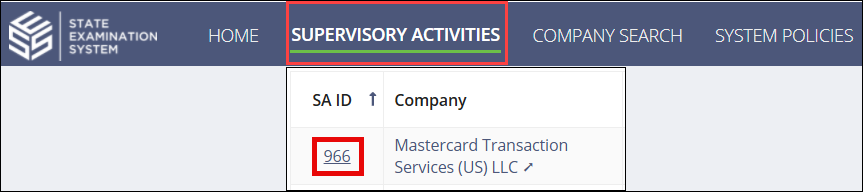
Navigate to your supervisory activity.
- Access the relevant page for the request you want to cancel (e.g., Loan Requests,Information Requests, Transaction Requests, or Agent Location Requests).
- Click the Send Requests button for the relevant request type (e.g., "Send Loan Requests") in the top-right corner of the screen.
-
Click the Deselect All toggle for any requests that are in a
"Ready to Send" status.

-
Scroll to the bottom of the screen and enter Commentary or
Upload Documents.

- Click Send to Company.