Managing Agency Authority in SES Agency Profile

How to manage your agency's authority for supervisory activity-related decisions.

About this task

SES account administrators can manage their agency's authority for SA-related decisions via the Agency Profile.
This is where you can indicate if your agency can accept or leverage SAs conducted by other agencies in SES.
Note: Selections made in Manage Agency Authority do not impact workflows throughout SES.

Procedure

  1. Click Manage Agency Profile on the homepage.
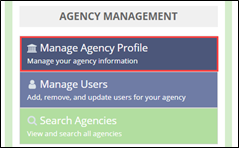
    Manage Agency Profile button on the left side of the SES Home Page
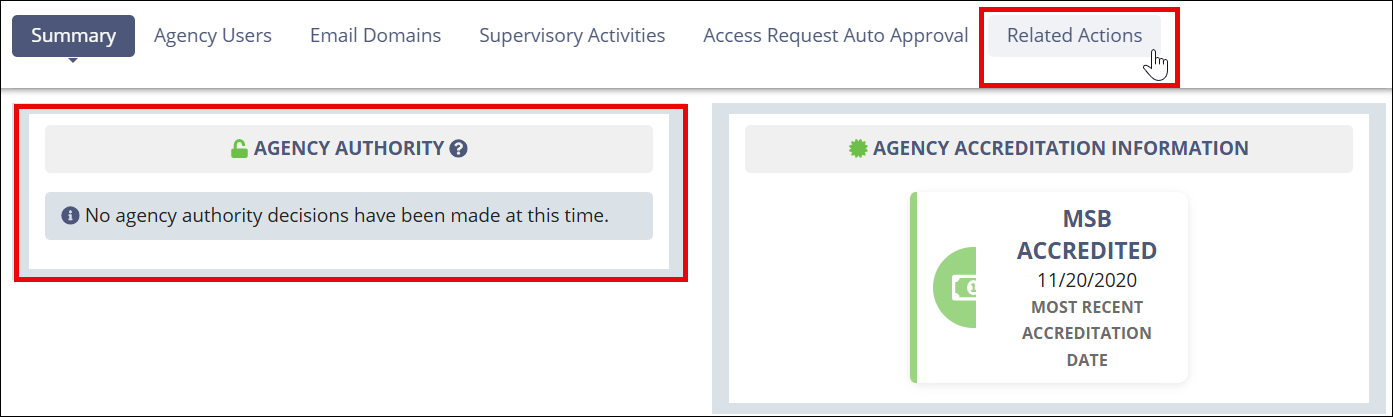
  2. Select Related Actions.
    Agency profile related actions link.
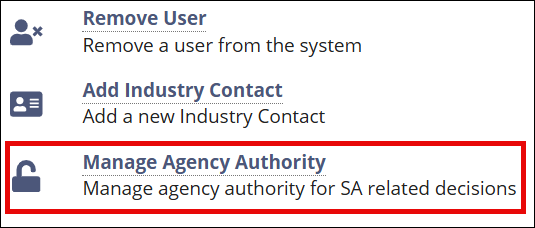
  3. Click Manage Agency Authority.
    Manage agency authority related action.
  4. Indicate Yes or No for the questions about your agency's authority to accept or leverage SAs conducted by other agencies.
  5. Click Update Authority.