
Assigning an Individual Transaction Request Response
This task explains how company users can assign individual transaction request (TR) responses to another participant on a supervisory activity in SES.
About this task
Procedure
-
Navigate to your supervisory activity.

- Click .
-
Select Actions for the desired
transaction request.
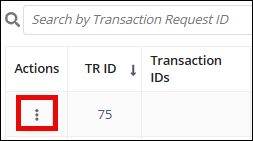
- Select Assign Transaction Request.
- Select the desired Assignee.
- Click Assign Transaction Request.