
Adding Loan Request Responses
How to add a response to an individual loan request.
About this task
Procedure
-
Navigate to your supervisory activity.

-
Click .
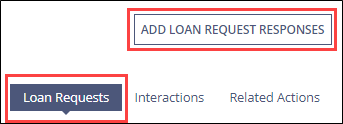
-
Click Add Response for the desired loan request.
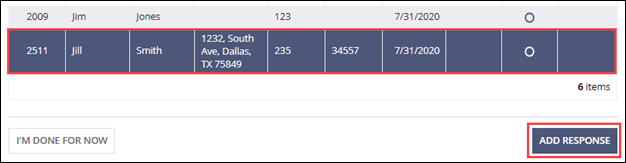
-
Complete the form.
Note: You can assign the loan request to another participant here.
-
Upload any necessary documents.
Note: See Uploading Documents for details on uploading documents.
- Select Save and Send Later.
-
Click Save and Send Later.
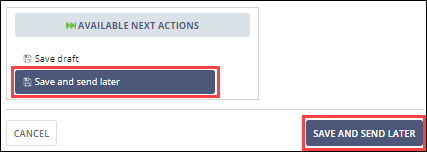 The status changes to “Ready to Send” on the Add Loan Request Responses grid.
-
Repeat for loan requests you are responding to and click I’m Done
For Now.

- Proceed to Sending LR Responses to the Agency in Bulk when ready.