Managing Agency Notifications
How to view SES notifications and manage notification preferences.
SES Homepage: System Notifications
You can see your SES notifications on the left side of the homepage.
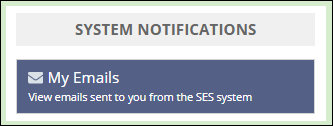
This allows you to see all emails sent to you by SES.
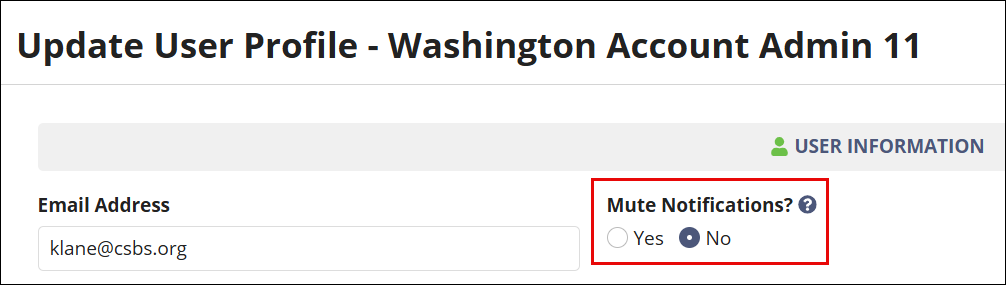
User Profile: Mute Notifications
If you want to mute notifications from SES, you can do so from the User Profile area of the system. See Updating a User's Profile for steps on how to update your profile.