
Activating Your Okta Account for SES
This section is intended to help companies understand how to activate and manage their Okta account as a part of the State Examination System (SES) enrollment process.
About this task
Procedure
-
>Find the Welcome to the State Examination System
email from noreply@sso.nmls.org.
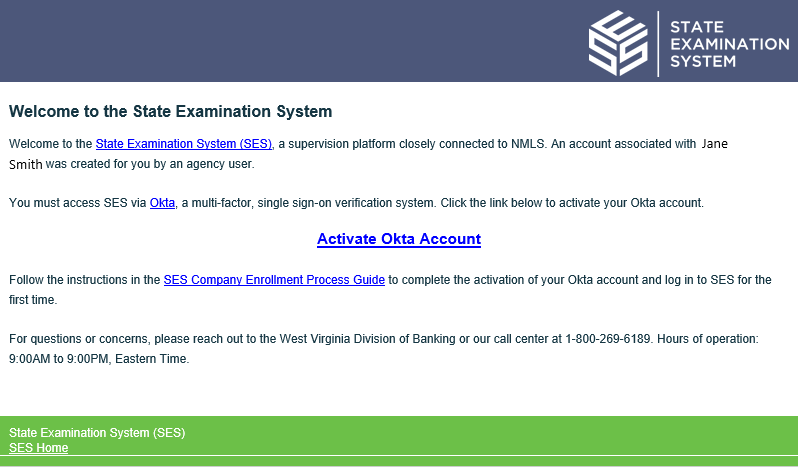
- Click Activate Okta Account.
- Create a new password, forgot password question and answer.
- Click Create My Account.
- Click Setup to begin the multifactor registration process.
What to do next
Complete the setup of your multifactor authenticator to log into SES.
Note: Be sure to bookmark sso.nmls.org to access SES
in the future. See Logging in to SES for the First Time for more
information.