
SES Company Enrollment
This article is intended to help companies understand the process for getting enrolled in the State Examination System (SES).
Step 1: Agency Invites a Company User on to SES
To enroll a company in SES, an agency invites a company user on to SES. The agency kicks off the process by creating the first company user in SES. It is assumed that the agency has the most accurate information about which individual at a company handles supervisory activities for that company.
Once the user is invited, the next step is for the company user to create an Okta account.
Step 2: Your Role - Check Your Email to Activate Your Okta® Account
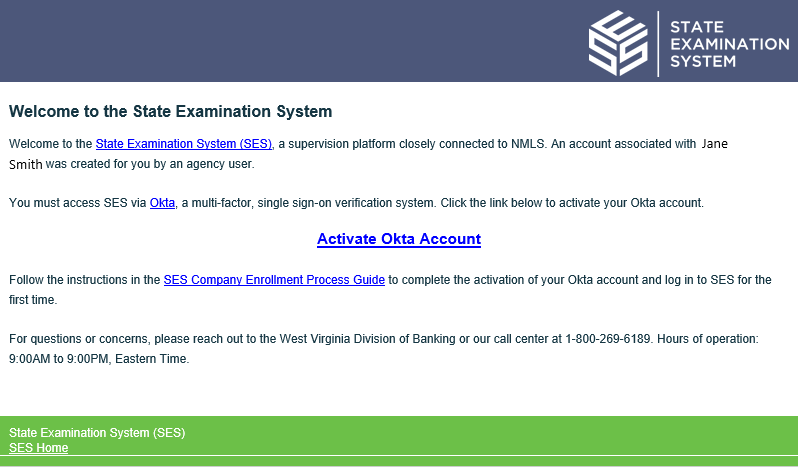
Okta® is a two-step identity management service used by all users to access SES. Okta® uses multifactor authentication (MFA), increasing security. For example, if you choose to use the Okta® app, a six-digit soft token is available via your mobile device that must be entered into system along with your account credentials. You must activate your Okta® account to access SES.
Next steps
- Activating Your Okta Account for SES
- Setup multi-factor authentication:
- Logging in to SES for the First Time