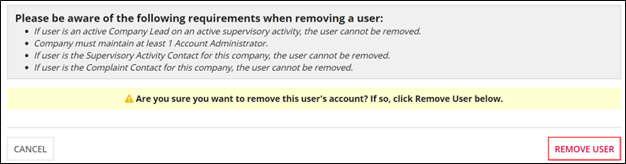
Removing Third-Party Users
A Third Party User is automatically removed from the Supervisory Activity when it is closed or when the last of the Matters Requiring Attention (MRA) is closed. However, you can remove a third-party user at any time.
About this task
Procedure
-
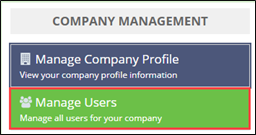
Click Manage Users on the homepage.
-
Click the Third Party Users tab.

- Select the Name of the user to be removed.
-
Click Remove User.